



ASUS RT-N12-C1 (the ASUSWRT Firmware)
Courtesy & thanks to ASUS, finally the WRT is available for this Broadcom device, always 1 of my favourite router 
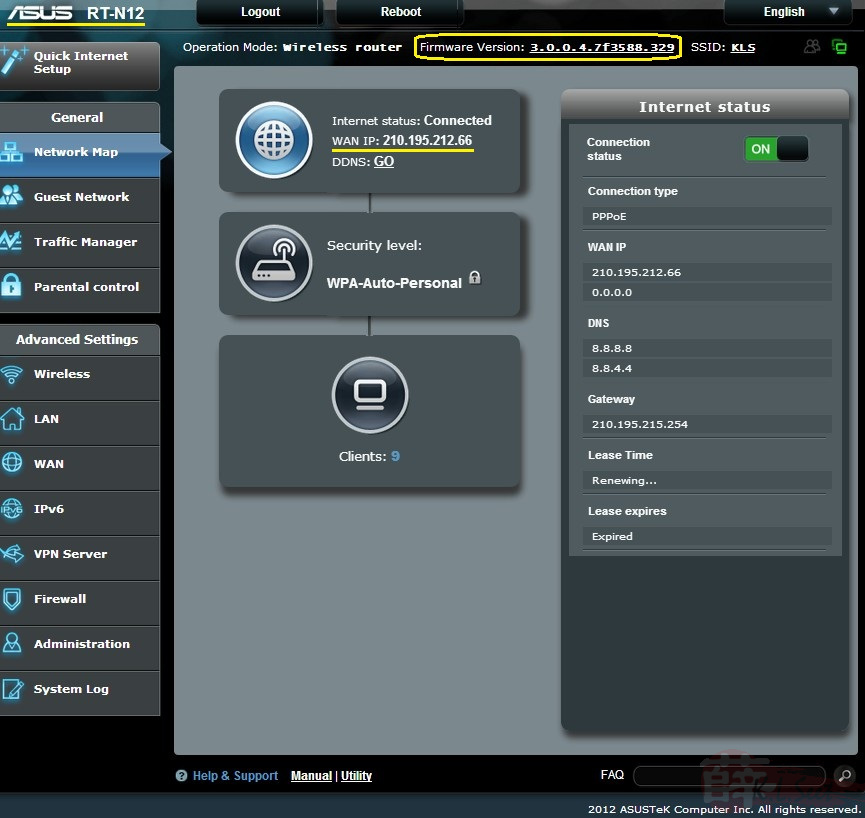
3 digits port-based multiple vlans is part of standard now 
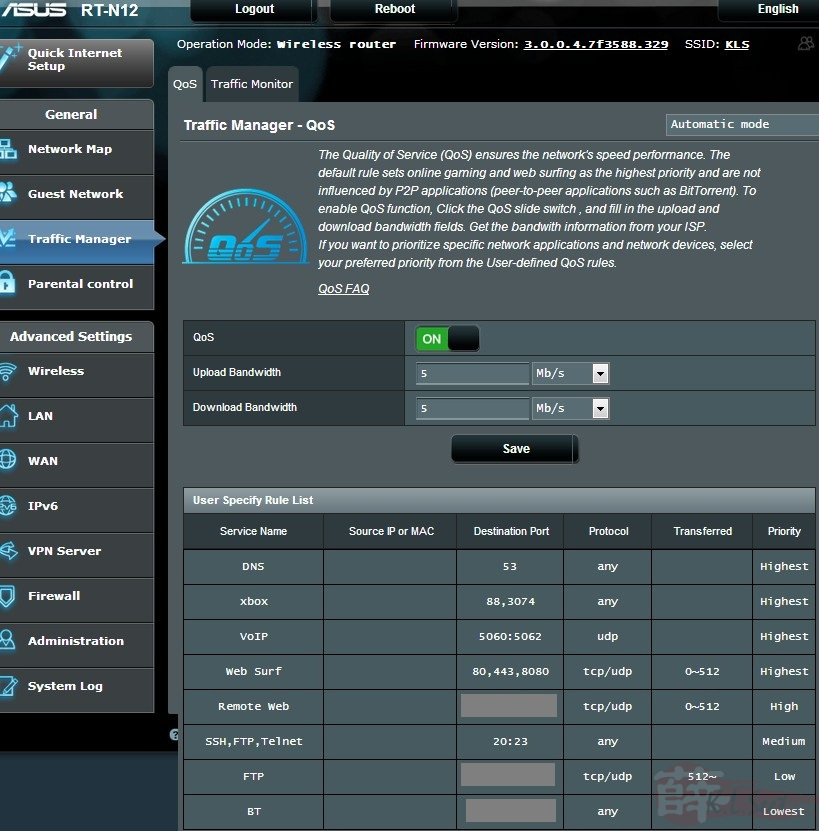
Finally a working QoS !!
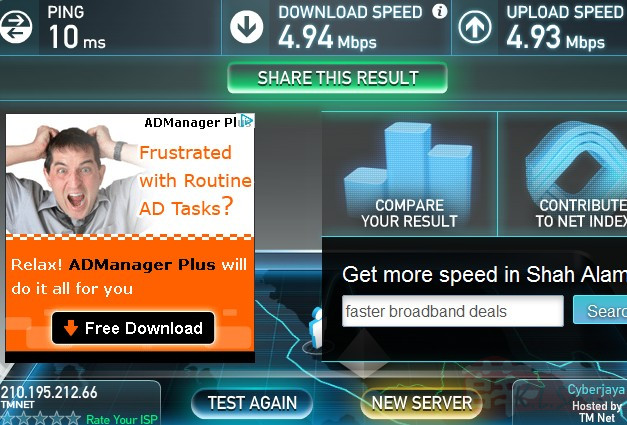
WiFi Testing
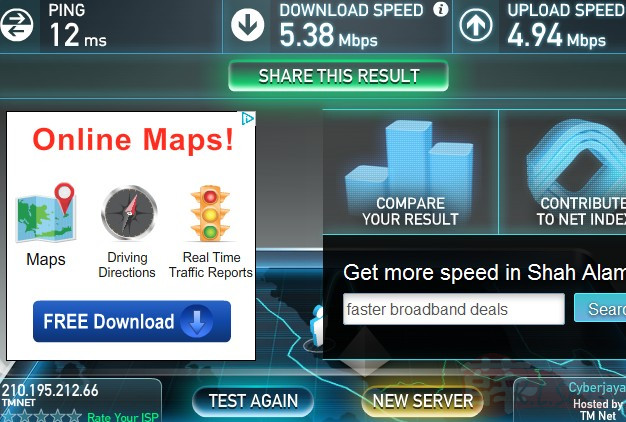
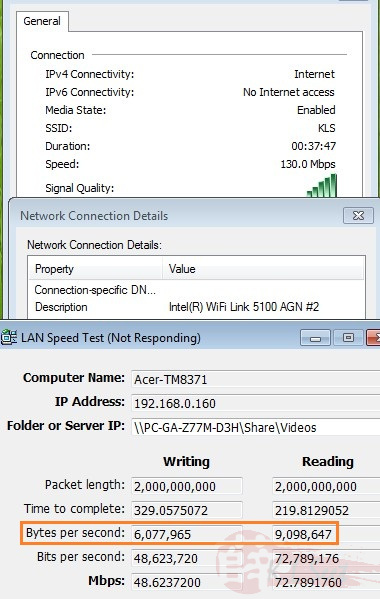
Generally, the N12B1/C1 has been quite consistent in producing good N-speed compare to others similar range of entry level wireless router, thanks to it's effective Broadcom chip
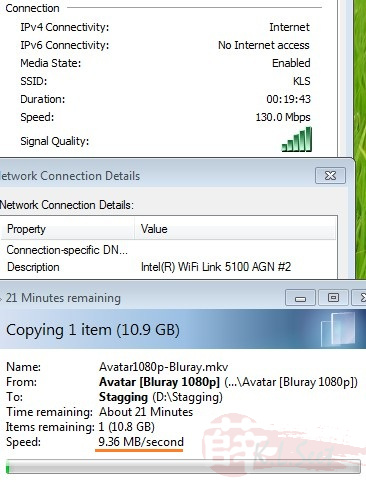
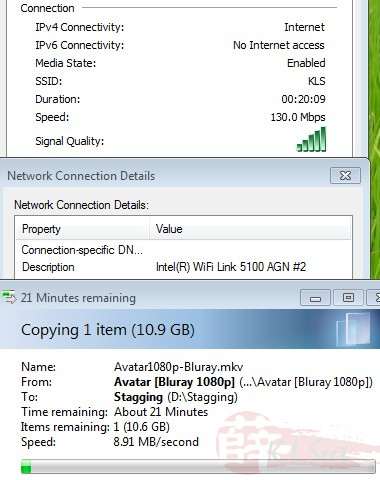
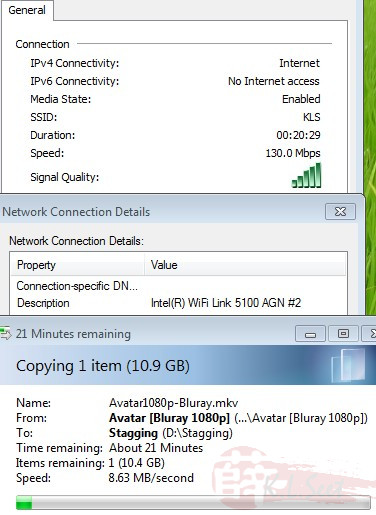
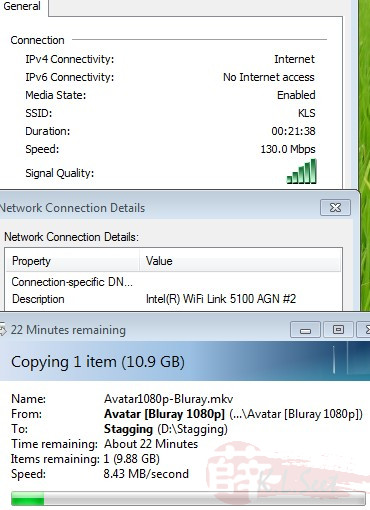
WiFi speed test result, Write/Read a 2GB file size over my LAN's NAS, overall speed is 6/9MB/s (Write/Read) 
Basic Setup for UniFi
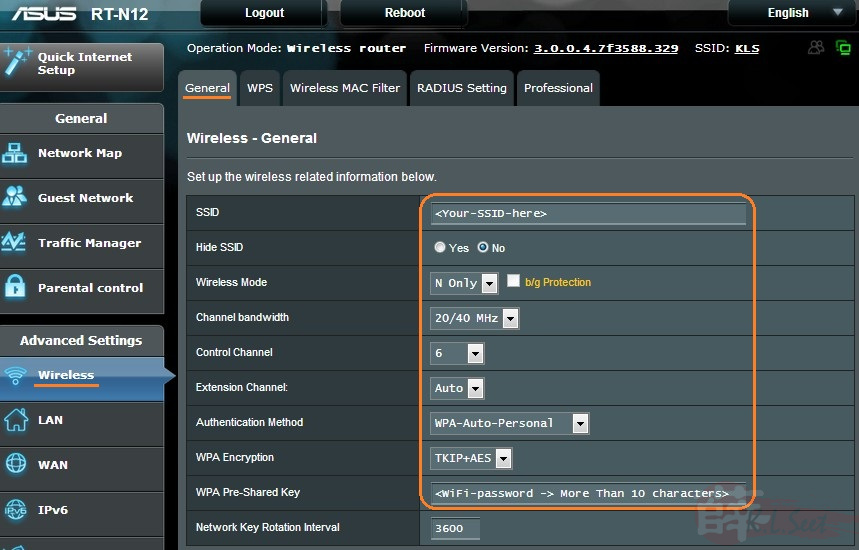
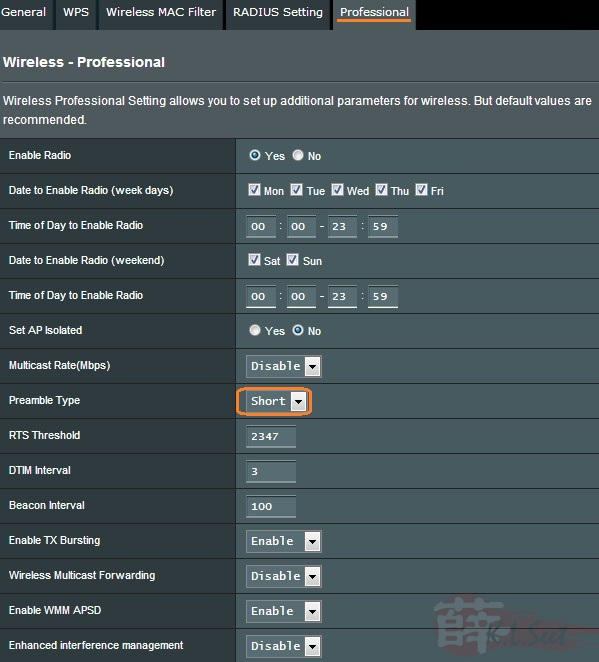
WiFi Setup as follows
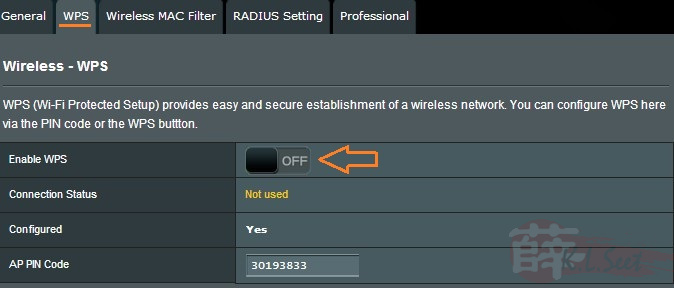
I always disable WPS function
For Broadcom better result with Preamble=Short
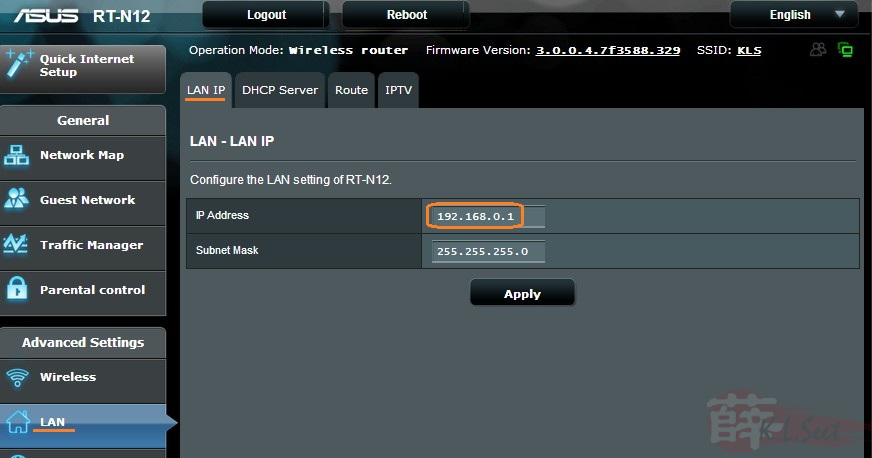
LAN Setup as follows
I prefer not to use the stock default 192.168.1.1 IP, I changed it to 192.168.0.1
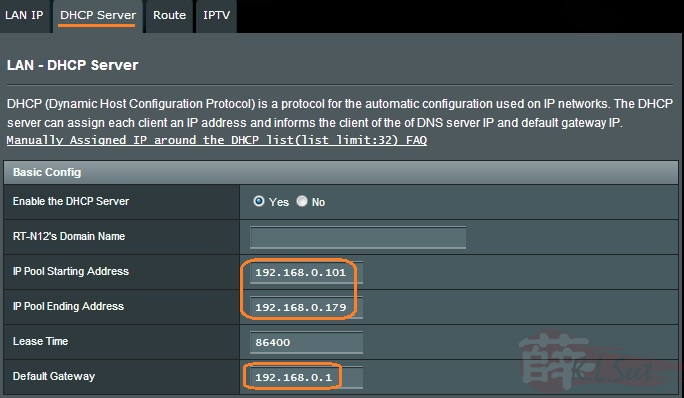
Also prefer shorter IP range as follows, remember to still enter the Gateway IP = 192.168.0.1
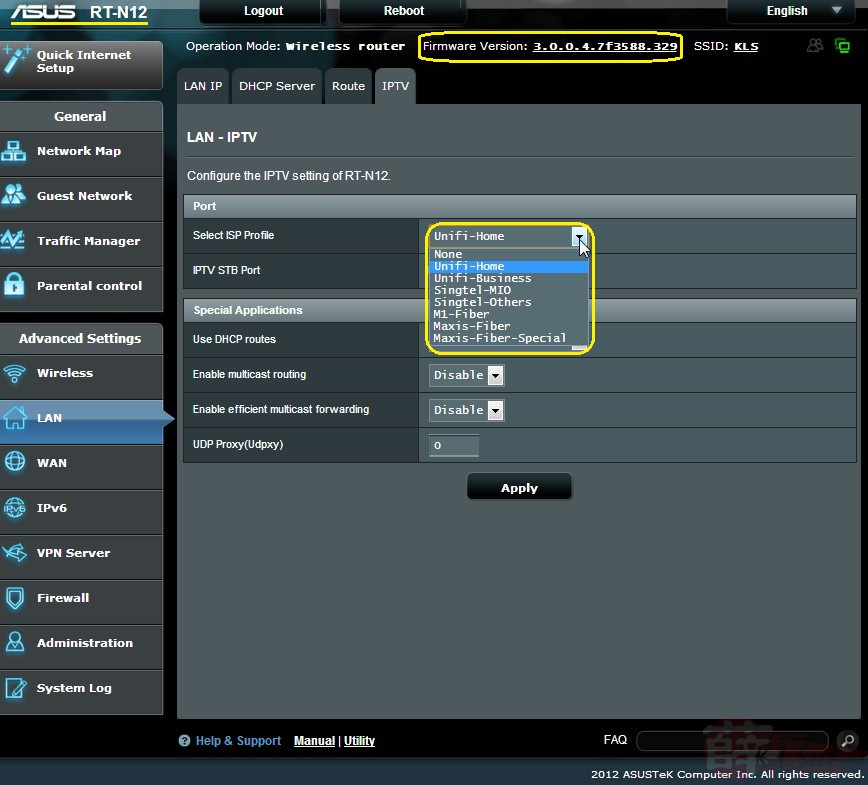
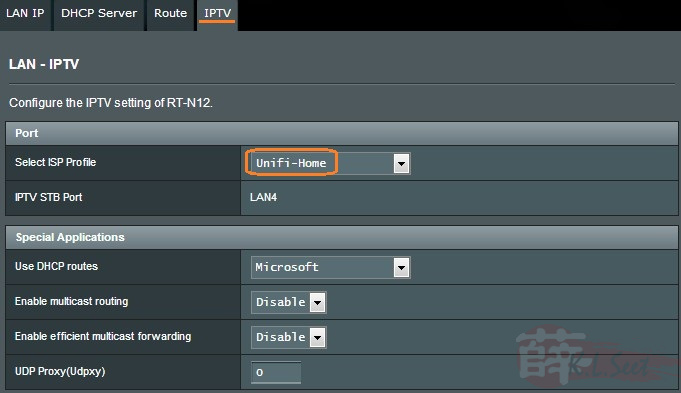
This is where to select pre-configured Special ISP Requirement for multiple vlans-tag, notice UniFi-Home IPTV is at LAN4
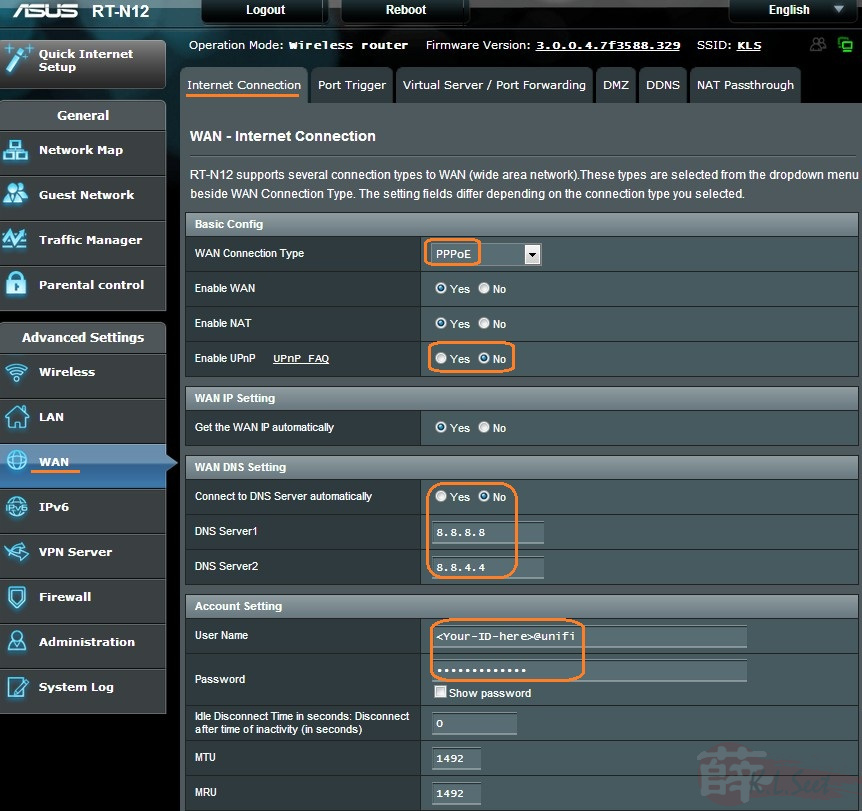
WAN Setup as follows
WAN PPPoE setup, enter your UniFi user ID & password, advise to change DNS server to either Google or OpenDNS
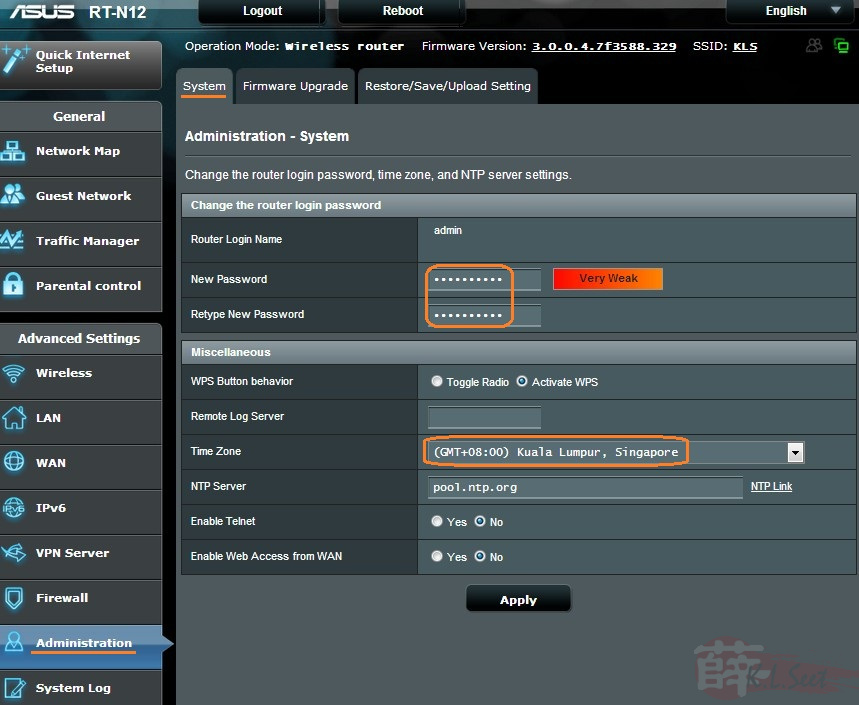
Admin Setup
Once completed the above basic setup, ALWAYS change the router's password !
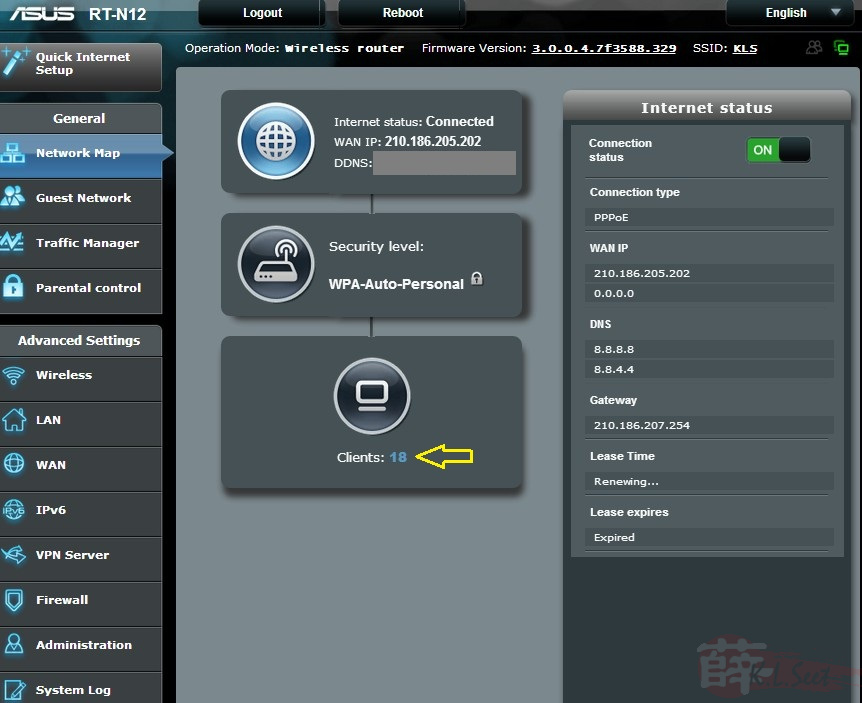
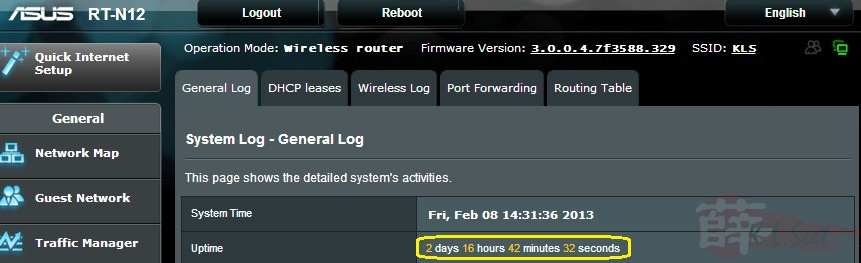
Overall I tested it for 2 days with more than a dozen of various devices, no problem encourtered, this beta firmware is good to go !!
Before you proceed further, please read and make sure you fully understand that:
- I tested this RT-N12-C1 beta ASUSWRT firmware on my Huawei HG850a BTU with VIP5 package, it should work on other BTU/VDSL2 as well
- This firmware is made available on an As-Is basis, I shall not be liable for any damages cause to your device either before, during or after flashing the firmware.
- I don't create & own the firmware, the firmware was released by ASUS unofficially, so please understand I will not entertain any email enquiry or support
Good luck & enjoy !! 
RT-N12-C1 ASUSWRT FW 3.0.0.4.7f3588 download HERE
.